A Stray Line Accessibility and Comfort Options
Steam-listed accessibility tags, input flexibility, and content-warning mindset for Sprout Haven's drawing-based adventure.
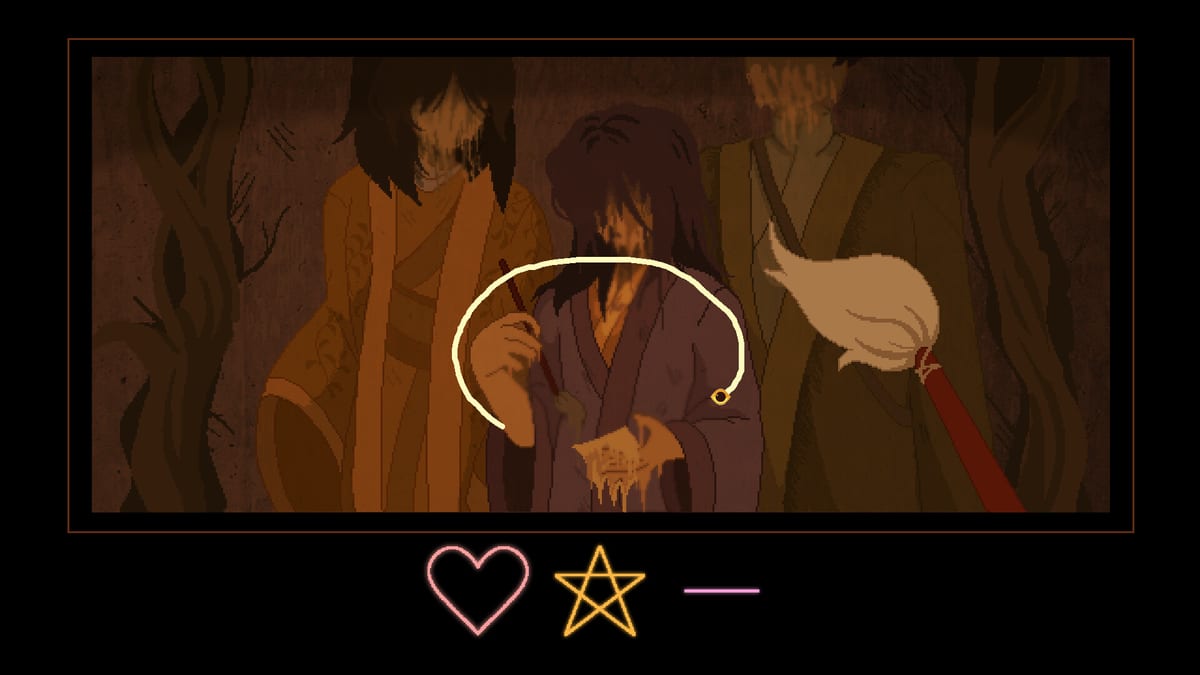
Steam publishes accessibility tags for A Stray Line (app 4309480) that help players evaluate comfort before the Chapter 1 demo on Friday, August 14, 2026 at 9:00 AM PST. Verified tags at wiki time include Camera Comfort, Custom Volume Controls, Stereo Sound, and Family Sharing. Input support spans mouse and keyboard as the primary design, with touchscreens and drawing tablets for notebook spell tracing and real-time battles.
This page explains what those tags imply for a point-and-click cozy horror adventure, how drawing combat intersects with physical accessibility, and why content warnings remain separate from mechanical comfort settings. Pair it with Controls for device setup and Content Warnings for narrative subjects Steam lists as mature.
Steam accessibility tags explained
Camera Comfort
Point-and-click adventures often use fixed or lightly animated cameras rather than first-person free look. Camera Comfort on Steam signals that Sprout Haven considered motion-sensitive presentation — limited camera shake, restrained panning, or predictable scene framing during exploration and battles. Exact toggles await confirmation in the demo options menu; note what you find on launch day so this wiki can update with UI labels.
If you are sensitive to motion, favor windowed mode and take breaks before drawing battles where projectiles move across the notebook layer.
Custom Volume Controls
Independent sliders for music, effects, and voice (if present) help players balance cozy domestic scenes against sudden horror stingers. Configure audio before the first boss attempt — telegraph cues may rely on stereo positioning.
Stereo Sound
Stereo Sound indicates meaningful left-right audio placement. Use headphones if directional cues assist puzzle or combat readability; mono speakers still work but may hide panning hints.
Family Sharing
Family Sharing means eligible Steam Family members may access the title per Valve rules. Demo and full-game sharing behavior follows Steam policy at launch — wishlist and install via How to Download Demo on the account that will actually play if you share a household PC.
Input accessibility for drawing systems
Spellcasting is the core accessibility variable. Three paths exist:
| Input | Strength | Consideration |
|---|---|---|
| Mouse | No extra hardware | Requires steady strokes; raise sensitivity carefully |
| Touchscreen | Direct drawing | Finger occlusion; try passive stylus |
| Drawing tablet | Precision and speed | Map pen to primary click; disable interfering OS gestures |
Battles demand real-time symbol recognition — accessibility here is partly skill-based. Practice identical shapes in safe notebook moments via Spell Notebook before accepting combat prompts. Switch devices if recognition failures feel like physical strain rather than puzzle difficulty.
Read Controls for session setup: display scaling, tablet drivers, and Steam Deck notes.
Content warnings versus mechanical settings
Steam mature content includes illustrated gore, dissociation, children experiencing harm or distress, death, and cursing. Accessibility tags do not remove narrative horror. Lowering volume or using Camera Comfort may reduce sensory intensity but not story subjects.
Mindset recommendations:
- Read Content Warnings before Launch Day install.
- Play in shorter sessions if dissociative sequences appear.
- Stream or watch Kickstarter trailer footage on Kickstarter guide if you need tone samples — not a substitute for full warnings.
Sprout Haven has not promised a comprehensive content-filter mode pre-launch. Treat absence as unknown until patch notes say otherwise.
Cognitive and pacing accessibility
Point-and-click adventures allow pausing during exploration dialogue. Combat segments may not pause mid-pattern — prepare saves before battles when the demo exposes slots. Use multiple save files as informal undo during puzzle experiments.
Found-family warmth can emotionally intensify horror beats. Accessibility includes permission to step away without ” failing” the story.
Platform notes
Minimum specs on System Requirements target Windows 10 64-bit and macOS 10.15+ with 6 GB storage. Integrated graphics at minimum tier should run 2D art; if frame times dip during battles, close background apps before blaming input lag.
No console version is announced — plan PC or Mac with Steam.
Post-demo documentation plan
After August 14, 2026, players should report:
- Exact menu names for volume and display options
- Remappable keys if available
- Color-only puzzle dependencies (none confirmed publicly yet)
- Subtitle sizing and dialogue log presence
We update this page from public builds only — no datamined unreleased toggles.
Related pages
- Controls — mouse, keyboard, touch, tablet setup
- Spell Notebook — drawing accuracy and practice
- Content Warnings — mature themes list
- Gameplay hub — exploration, spells, and battles overview
- Launch Day — demo timing and first-hour pacing
Frequently Asked Questions
Quick answers drawn from what players ask most.
Which accessibility tags does Steam list for A Stray Line?
**Camera Comfort**, **Custom Volume Controls**, **Stereo Sound**, and **Family Sharing** appear on the store page at wiki time.
Do I need a drawing tablet for accessibility?
No. Mouse and keyboard are primary. Tablets and touch are optional if they reduce strain — see Controls.
Can accessibility settings remove body horror?
No. Tags address presentation and audio comfort, not narrative content. Read Content Warnings first.
Does Family Sharing include the free demo?
Sharing follows Steam Family rules at launch. Install via the account that owns the library entry — see How to Download Demo.
Where do drawing combat tips fit accessibility?
Practice symbols in safe rooms via Spell Notebook and switch input devices before difficult battles.