A Stray Line Missables and Optional Content
Completionist prep for Sprout Haven's demo — what to flag, when to backtrack, and how to avoid softlock regrets.
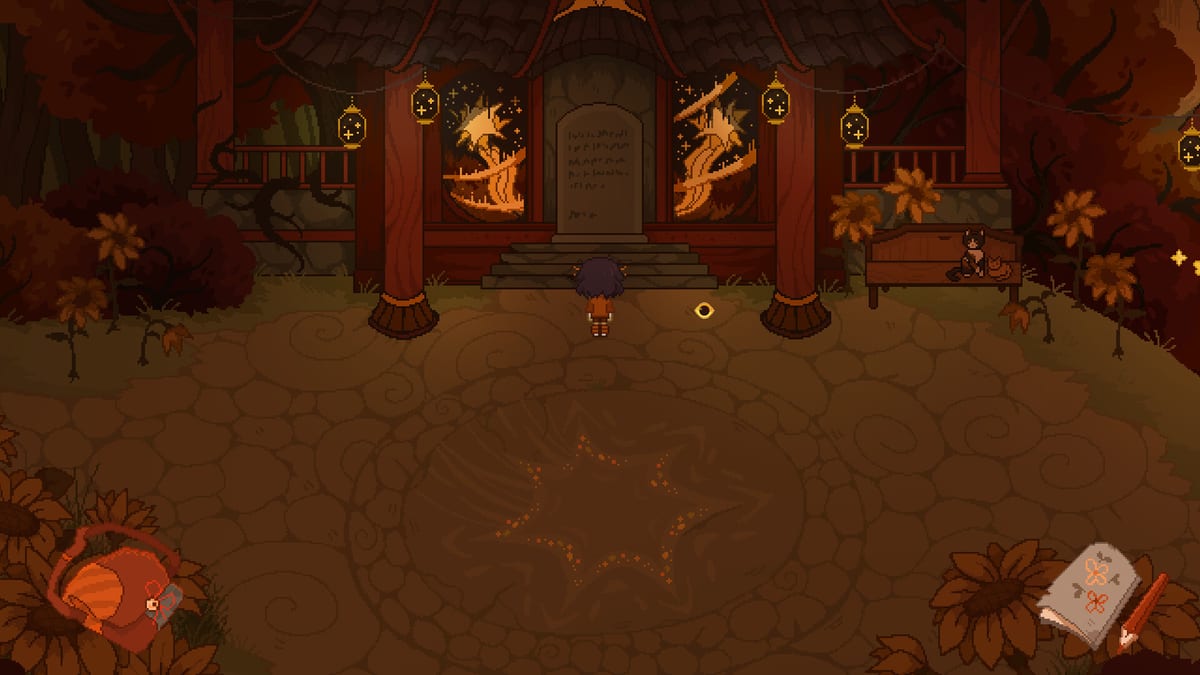
Completionists playing A Stray Line on Steam often worry about missing optional dialogue, items, or notebook entries during the Chapter 1 demo expected in August 2026. This page is a tracking framework, not a leaked checklist. We describe categories of missable content and safe habits so you can build your own log while playing — without publishing unverified “gotcha” lists that spoil Sprout Haven’s story surprises.
Pair this guide with Chapter 1 walkthrough prep for routing order and puzzle prep when optional flags gate progress.
What counts as missable in a point-and-click demo
Adventure demos commonly hide optional content behind these gates:
- Dialogue branches that appear only before a major story transition.
- Inspectable objects that add journal flavor or mechanical hints once, then disable.
- Inventory items not required for mandatory progress but useful for alternate reactions.
- Notebook symbols taught in optional scenes rather than the main tutorial line.
- Environmental reactions triggered by revisiting a scene with a new item.
We will not invent specific room names or item titles here. After public release, verified tables will appear with patch tags and spoiler toggles.
Pre-play setup for missable hunting
Before starting Chapter 1:
- Create a dedicated save slot for “full sweep” runs separate from speed attempts.
- Open a notes file with columns: Scene, NPC, Item, Symbol, Done.
- Read controls so examination clicks are reliable on your input device.
- Skim characters to know who exists in the cast — Taoyi, Atlas, Winslow, Ilya, and The Tube — without expecting this page to narrate their arcs.
- Accept that body horror content warnings apply; optional scenes may include intense imagery you can skip on replay.
Sweep order that minimizes regrets
Use this repeatable loop every time you enter a new region in the demo:
Step 1 — Hotspot pass
Click every visible prop once. Mark anything that changes after story events for a second pass later.
Step 2 — NPC pass
Talk to every character until dialogue repeats or clearly branches. Re-talk after each inventory change. Optional lines often hide in second or third conversation stacks.
Step 3 — Item pass
Pick up everything allowed. Test each new item on NPCs and hotspots in the current region before moving on. Log combinations on the items hub if you maintain wiki notes.
Step 4 — Notebook pass
If the scene shows glyph motifs, open the spell notebook and attempt taught shapes only — do not spam unverified symbols. Optional spells may unlock cosmetic reactions or shortcut paths.
Step 5 — Exit pass
Before leaving a region for good, walk back through every connector scene. Many missables trigger only when crossing a boundary with a specific item equipped.
Story transitions that often lock content
Without naming plot beats, adventure chapters typically hard-lock optional content at:
- Region transitions that remove backtracking until a later unlock.
- Boss or battle sequences after which NPC schedules change.
- Night-or-day shifts if the demo uses time phases.
- Home hub upgrades that replace old hotspot sets.
When any of these occurs, finish a sweep immediately. Save on a fresh slot labeled with the transition name in your personal notes.
Missables vs mandatory puzzle items
Some objects look optional but become mandatory later. If a pickup is visible, grab it even when inventory feels cluttered. Distinguish in your notes between “story required” and “flavor optional” after you see an item used once.
If unsure, consult puzzle prep logic categories rather than spoiler forums.
Notebook and battle extras
Drawing-based battles may teach symbol variants or defensive strokes that are easy to miss if you win quickly. After each battle, check whether the notebook gained new pages or tutorial reminders. Battle system basics explains retry etiquette without spoiling encounter order.
Tools for personal tracking
Until official checklists exist, use:
- Paper grids keyed to your hand-drawn map.
- Printable symbol sheets from the tools hub when available.
- Screenshot folders named by region (avoid sharing spoilers publicly if Sprout Haven requests it).
We discourage datamining or leak hunting; respect Sprout Haven’s release pace.
Replay and chapter-select policy
If the demo offers chapter select or scene replay after completion, plan a second run focused only on missables. First runs should prioritize understanding gameplay systems and organic story discovery via guides when you want lighter coaching.
Accessibility and content choices
Optional content sometimes includes heavier horror imagery than the mandatory path. You may deliberately skip missables that conflict with your comfort level; full-game completion is not required to enjoy the demo. Official guidance may appear on release over time.
After demo launch: how this page updates
We will add verified tables for:
- Optional dialogue with prerequisite flags (spoiler-protected sections).
- Collectible items with region tags.
- Notebook pages not taught in the mandatory tutorial.
Each entry will cite the public build version. Until then, treat this framework as your live companion during first play.
Related links
- Walkthrough hub — index for all routing guides.
- Chapter 1 prep — structural beat order.
- World hub — region context when names are confirmed.
- Release FAQ — demo scope and platform details.
Frequently Asked Questions
Quick answers drawn from what players ask most.
Is there a full missables checklist before the demo releases?
No verified public checklist exists yet. This page provides tracking habits and categories until Sprout Haven ships a playable Chapter 1 build.
Can I miss story-required items permanently?
Adventure demos usually gate mandatory items before hard locks. Still, sweep every scene and NPC to avoid softlocks described in puzzle prep.
Do optional scenes include heavier horror content?
They may. Sprout Haven warns about body horror. Skip optional sweeps if you prefer a lighter path and consult release for official notes.
Should I hunt missables on my first playthrough?
Only if it helps your enjoyment. Many players do a story-first run, then a guided sweep using saves and this tracking framework.
Where will verified missables be posted after launch?
On this page with spoiler-protected sections and build version labels, cross-linked from the walkthrough hub.